Turn a spark into a whole board.
Dump one idea and the AI builds you an organized visual board — sticky notes, titled frames, real reference links, and AI-generated images — on an infinite canvas you can pan, zoom, and make your own.
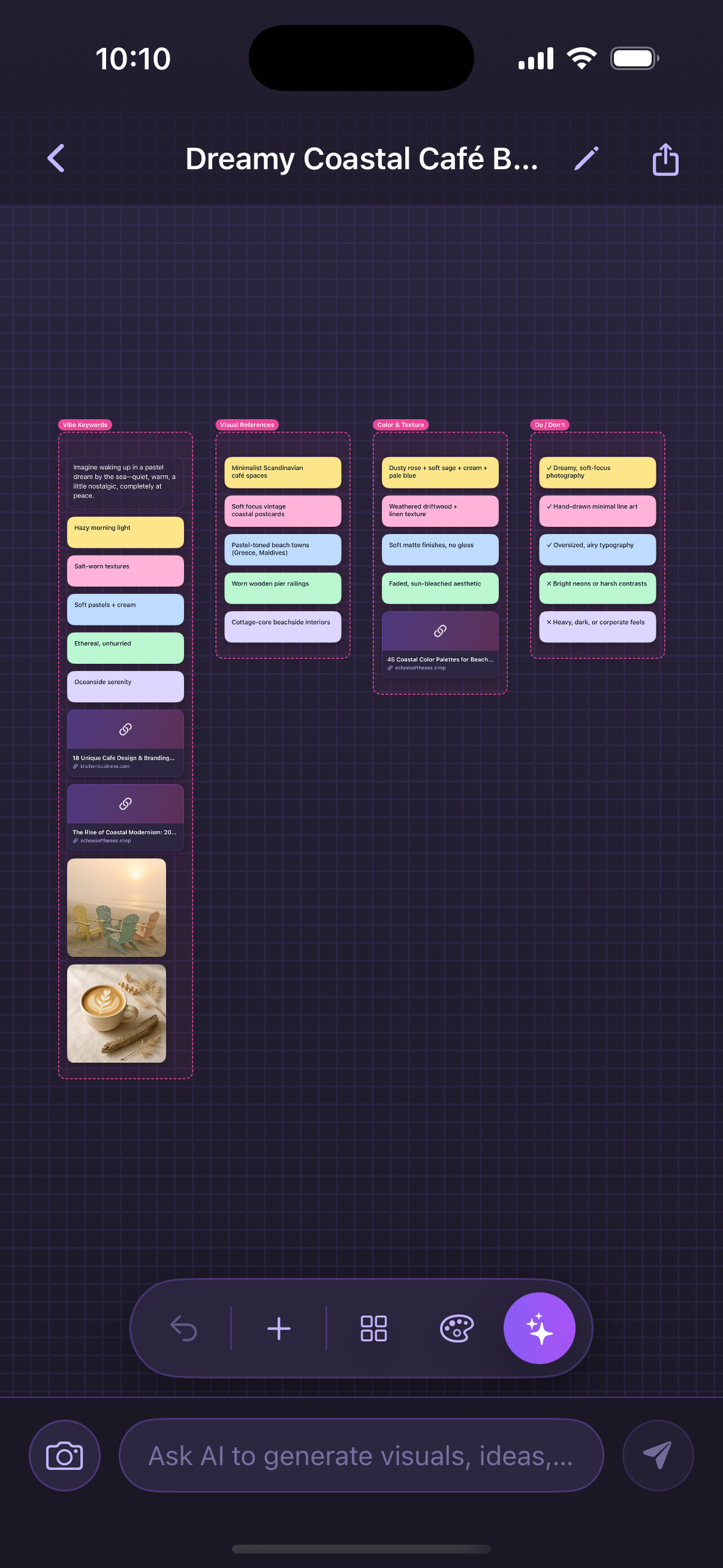
Dump one idea and the AI builds you an organized visual board — sticky notes, titled frames, real reference links, and AI-generated images — on an infinite canvas you can pan, zoom, and make your own.
You have the vibe in your head — a project, an aesthetic, a plan. Vibeboard takes one line and does the messy part: it lays out an organized moodboard so you can see the whole thing at once, then keep shaping it by talking to the canvas.
From one prompt to a living canvas you can edit by typing — all in your pocket.
Type one idea and watch a full, organized board appear — notes, frames, images, and links, arranged for you in seconds.
Pan and zoom across a boundless board. Spread out as big as your idea wants to get — nothing gets cramped.
Sticky notes for quick thoughts, titled frames to group things, and text blocks for the details — the building blocks of any board.
Pulled from live web search — actual articles, shops, and inspiration you can open, not made-up placeholders.
Need visuals? Vibeboard generates on-theme images right onto the board so the whole vibe comes together.
Talk to the canvas. Ask it to add an image, drop a note, or restyle a selected element — no fiddly menus needed.
Save your board as an image or PDF to share anywhere, and tidy a messy canvas into neat rows with a single tap.
From your first idea to a finished, organized board — here's the whole flow.
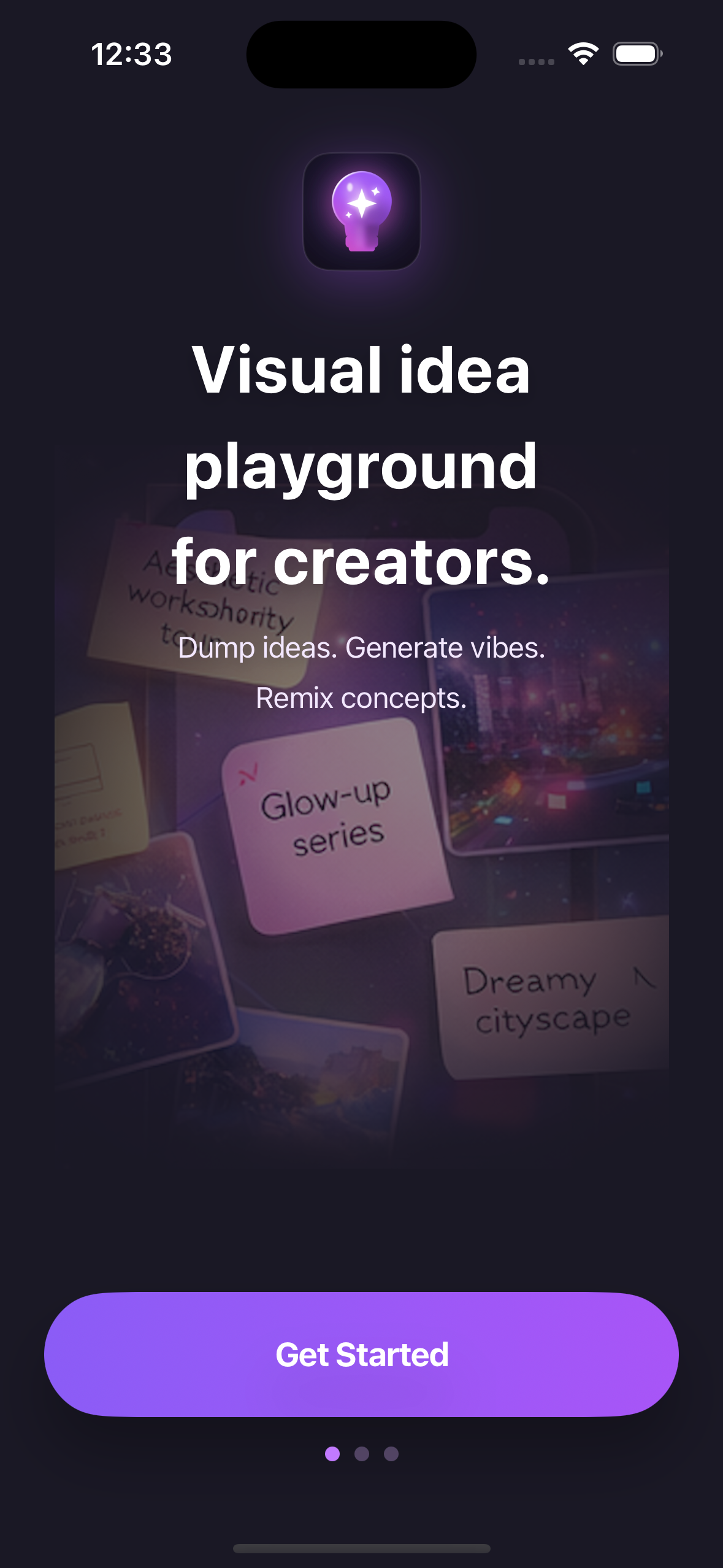 Start with an idea
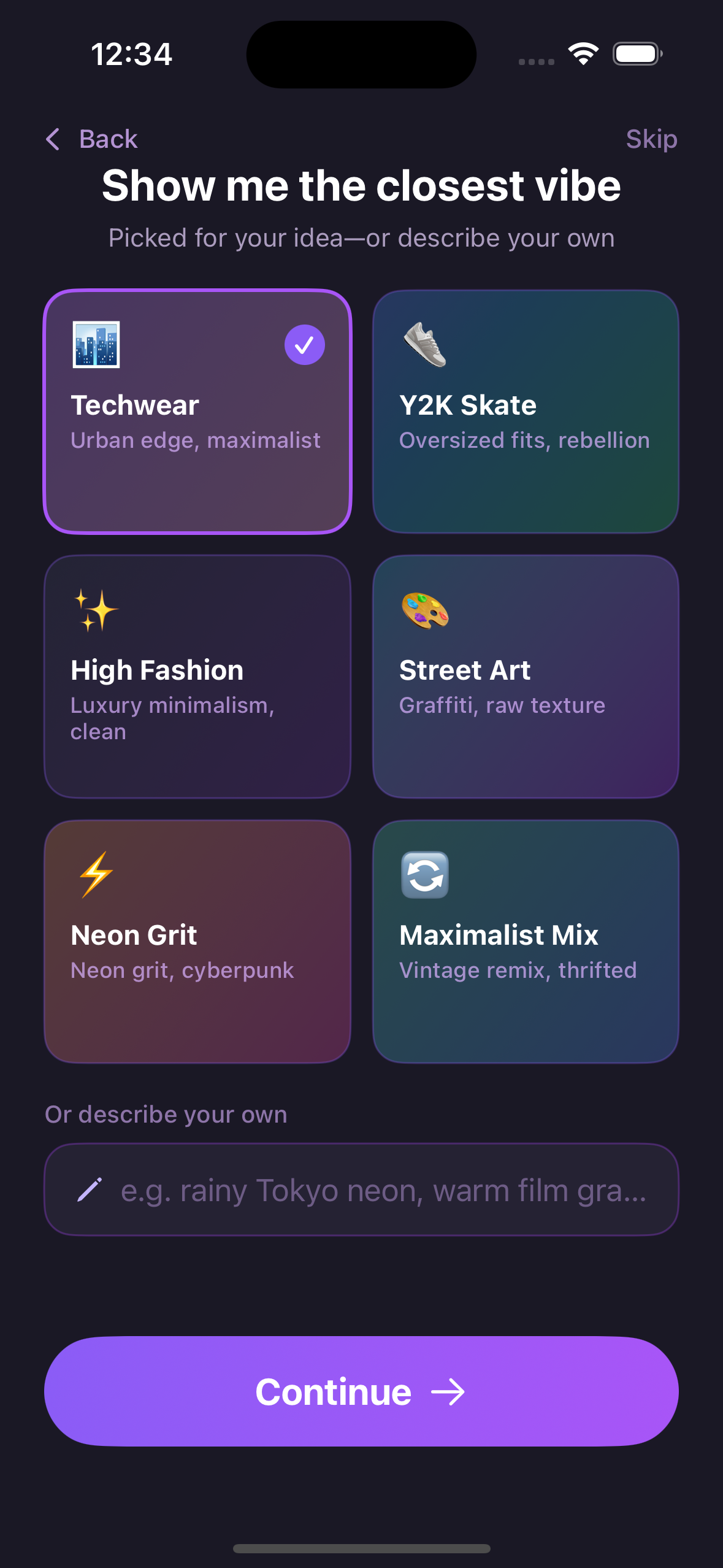 Pick your vibe
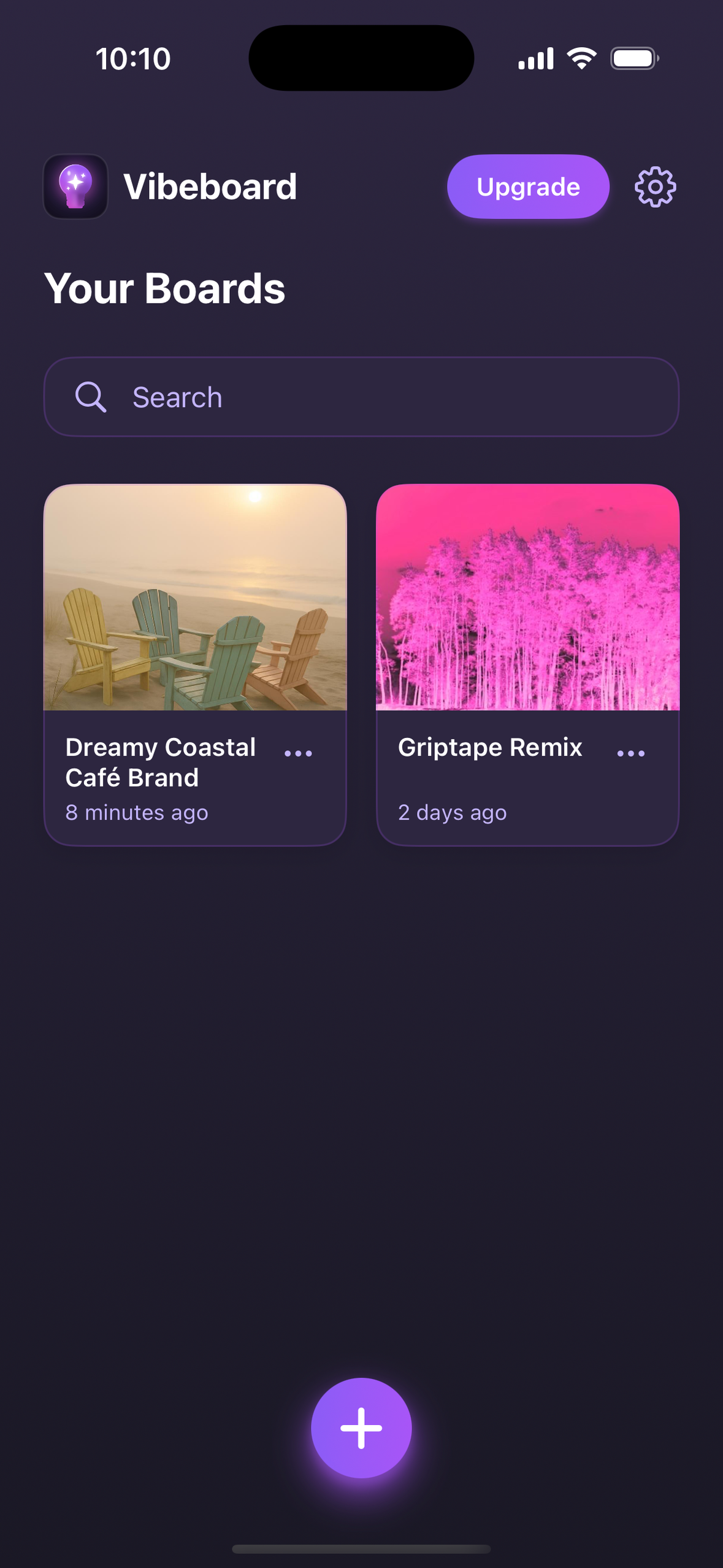 Your boards, in one place
The infinite canvas
Your boards, in one place
The infinite canvas
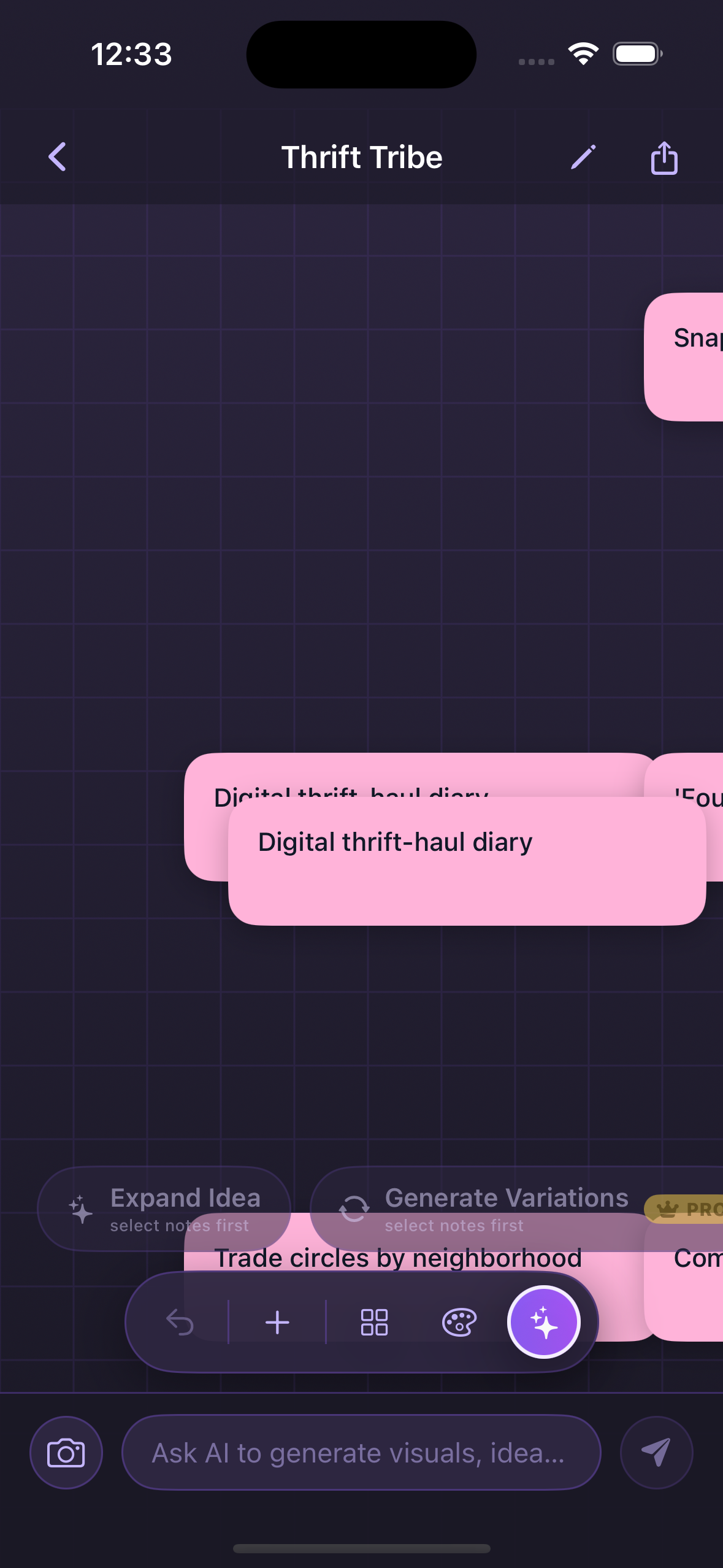 Talk to the canvas
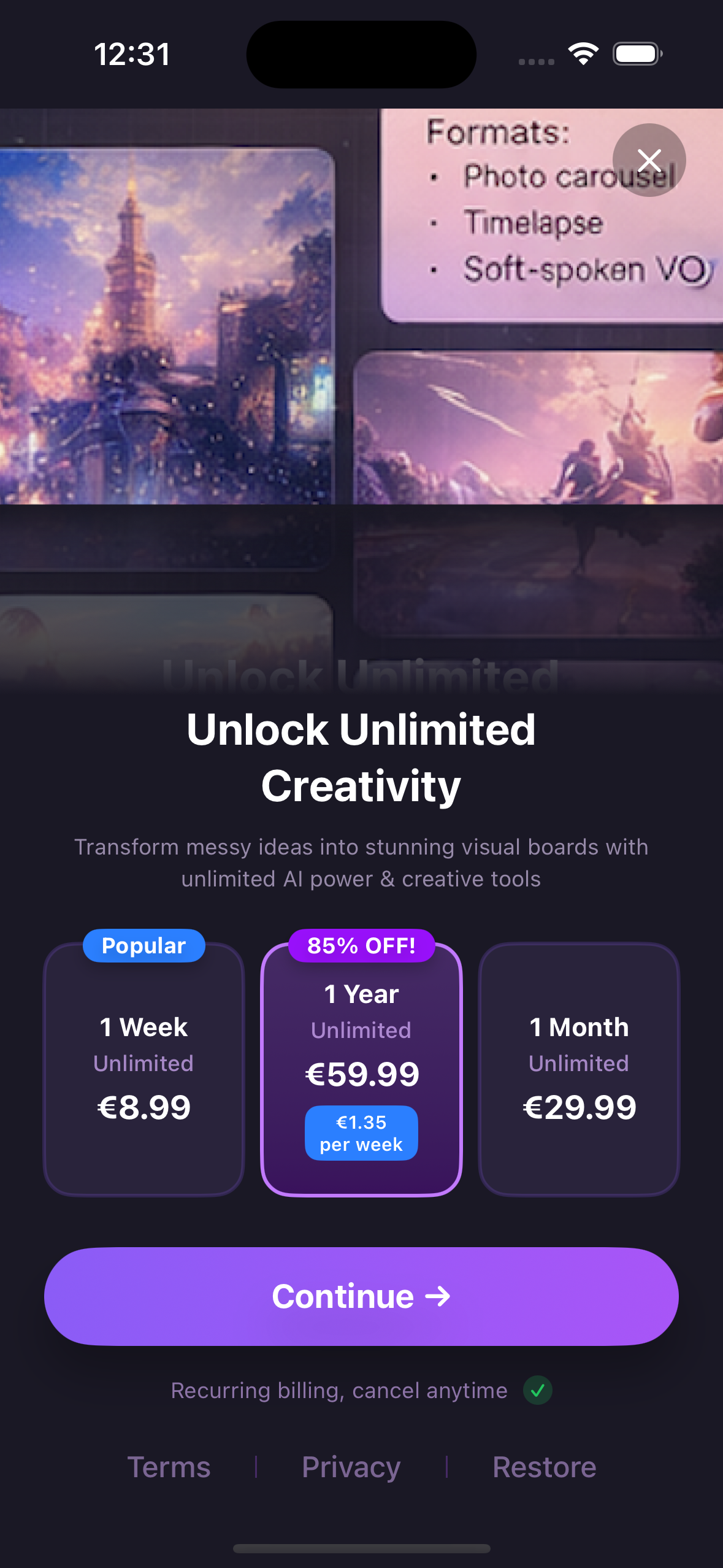 Go Pro for more
Four taps from a spark to a full board.
Type the thing you're thinking about — a project, a trip, an aesthetic, whatever.
Choose a vibe and a starting template so the board matches your energy.
Vibeboard lays out notes, frames, real links, and images across the canvas.
Edit by typing, organize with a tap, then export the board as an image or PDF.
Every idea gets a board on the free tier. Pro unlocks more images and unlimited generation.
Get started — no account needed
Pricing shown in-app
Turn any idea into a visual board — instantly.